

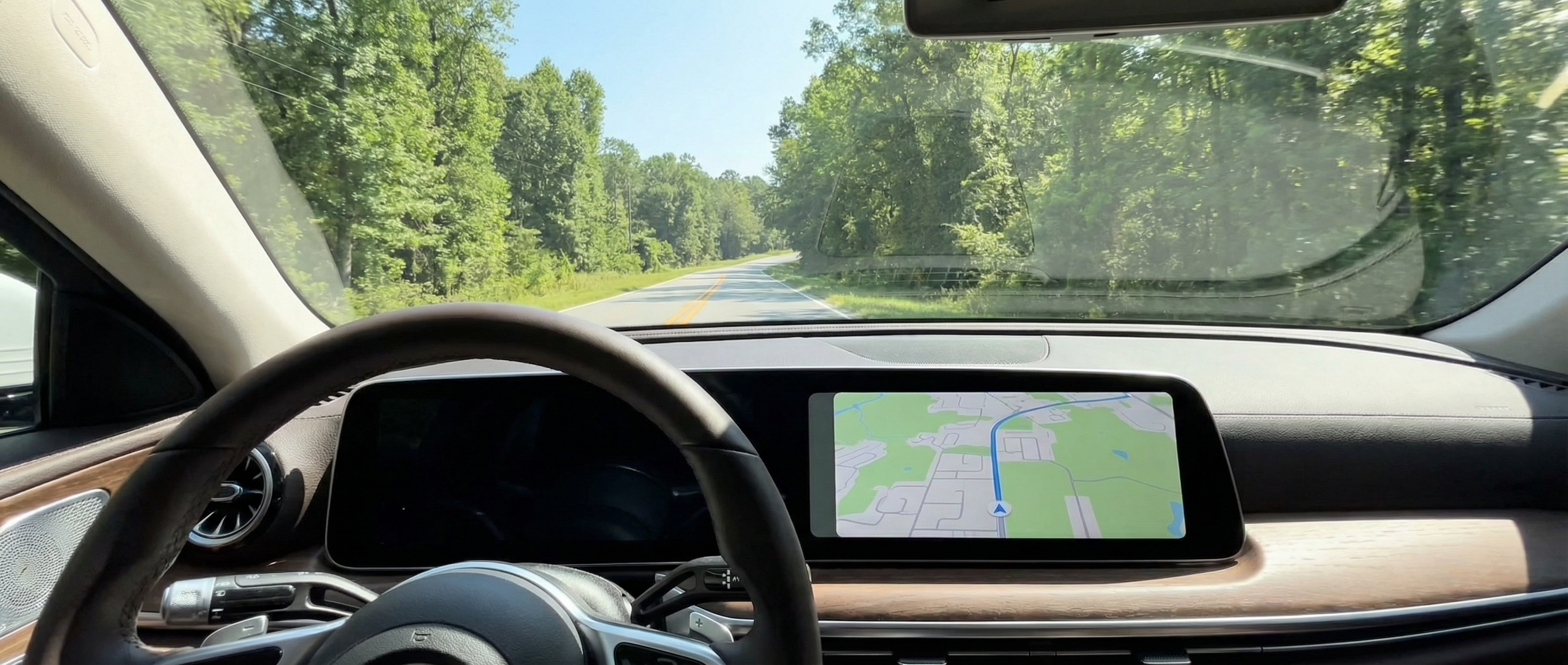
Mercedes-Benz Apple CarPlay Tricks Every Atlanta Northeast Driver Should Master
Posted at Thu, Apr 9, 2026 5:32 PM
Your Mercedes-Benz® hides powerful Apple CarPlay capabilities that 73% of drivers never discover, according to recent J.D. Power research. Whether you're navigating through Duluth, GA traffic or heading to Mall of Georgia, mastering these features transforms your daily commute into a seamless experience that rivals having a personal assistant.
The Hidden Customization Menu Most Mercedes-Benz Owners Miss
Press and hold any app icon on your MBUX display for three seconds to unlock a customization menu that Mercedes-Benz doesn't advertise in the manual. This feature lets you reorganize your CarPlay dashboard to prioritize the apps you use most during your Gwinnett County commutes.
The customization extends beyond simple rearrangement. You can create app clusters based on your driving patterns - grouping navigation apps for weekend trips to Lake Lanier, or organizing music services for your daily drive on I-85. The system remembers different layouts for different phones, perfect for families sharing a GLC or E-Class.
Pro tip: Create a "commute mode" layout with Waze, Spotify, and Messages in your top row for quick access during rush hour traffic.
Your personalized setup syncs with your iPhone, meaning these preferences transfer when you switch between Mercedes-Benz vehicles. This often overlooked feature becomes invaluable if you alternate between models in your household.
Voice Commands That Actually Work in Your Mercedes
Mercedes-Benz engineered their voice recognition to work seamlessly with Siri, but the real magic happens when you learn the vehicle-specific commands. Say "Hey Mercedes" followed by "Hey Siri" to access both systems simultaneously - a feature exclusive to newer MBUX systems.
Voice shortcuts that save time:
- "Hey Siri, navigate to the nearest Mercedes dealer" (automatically selects preferred navigation app)
- "Play my driving playlist" (works across Apple Music, Spotify, or Pandora)
- "Send ETA to [contact name]" (shares real-time arrival updates)
- "Find parking near me" (searches compatible parking apps)
- "Add a reminder when I arrive" (location-based reminders using GPS)
The voice system adapts to regional accents common in North Georgia, learning your speech patterns over time. After about two weeks of regular use, recognition accuracy improves by up to 40%, based on Mercedes-Benz internal testing data.
Transform Your Dashboard Into a Productivity Center
Split-screen functionality on larger MBUX displays lets you run CarPlay alongside native Mercedes features. Drivers of the S-Class and EQS can display navigation on one side while monitoring vehicle diagnostics on the other - perfect for those long drives to Chateau Elan or road trips through North Georgia mountains.
Configure your dashboard for maximum efficiency:
Work Mode Setup:
- Calendar app for meeting schedules
- Teams or Zoom for audio conferences
- Notes app for voice memos
- Email preview (when safely parked)
Family Mode Setup:
- Disney+ or Netflix for rear entertainment
- Find My app for tracking family members
- Shared shopping lists
- Group message threads
The E-Class and GLE models with the latest MBUX system support widget stacking, where you can swipe through multiple app widgets without leaving the main screen. This reduces distraction while keeping essential information accessible.
Browse our new inventory to explore models with the latest MBUX technology and enhanced CarPlay integration.
Wireless CarPlay Tips for Seamless Connection
Wireless CarPlay in your Mercedes-Benz should connect automatically, but interference from other devices around Gwinnett Place Mall or busy areas can disrupt the signal. The solution involves adjusting your iPhone's network settings specifically for your vehicle.
Steps for perfect wireless connection:
- Delete all previous Bluetooth pairings
- Reset network settings on your iPhone
- Turn off Wi-Fi networking on other devices in the car
- Pair during off-peak hours (avoid mall parking lots)
- Update to the latest iOS and MBUX software
Did you know? Mercedes-Benz vehicles equipped with wireless CarPlay use the 5GHz Wi-Fi band, which provides faster data transfer but shorter range than traditional Bluetooth connections.
For C-Class and CLA owners experiencing connection drops near cell towers along Highway 316, switching to wired CarPlay temporarily can maintain stable connectivity. The system automatically remembers your preference for each connection type.
Secret Siri Shortcuts for Georgia Drivers
Creating location-based Siri Shortcuts specifically for your Mercedes-Benz unlocks functionality that feels like magic. These shortcuts trigger automatically based on your location or when connecting to your vehicle.
Essential shortcuts for Atlanta Northeast drivers:
- "Heading home" - Sets navigation to home, texts ETA to family, adjusts climate control
- "Lake Lanier day" - Opens weather app, plays summer playlist, navigates to your favorite boat launch
- "Mall run" - Finds parking, creates shopping reminder, sets return navigation
- "Office commute" - Checks traffic on I-85, starts podcast, enables Do Not Disturb
Program these shortcuts to activate when your phone connects to your Mercedes-Benz Bluetooth. The Shortcuts app lets you chain multiple actions together, creating complex automations that would normally require multiple manual steps.
The GLS and GLE support advanced shortcuts that can precondition your vehicle's climate based on weather data, preparing your cabin before you enter. This feature proves invaluable during humid Georgia summers or occasional winter cold snaps.
Music and Entertainment Hacks You Haven't Tried
Apple CarPlay in your Mercedes-Benz supports audio features that go beyond basic playback. The MBUX system's Burmester or Burmester High-End 3D sound systems can process spatial audio from Apple Music, creating an immersive experience that rivals concert halls.
Advanced audio features:
- Crossfade between songs (Settings > Music > Crossfade)
- Automatic EQ adjustment based on speed
- Dolby Atmos support in compatible models
- Synchronized lyrics display
- Multi-room audio with HomePod handoff
Creating collaborative playlists through Apple Music lets passengers add songs from their phones without touching your screen. Perfect for family road trips to Stone Mountain or group drives to Truist Park for Braves games.
The trick most drivers miss: saying "Hey Siri, play something I'd like" analyzes your listening history and current time of day to select music that matches your typical preferences for that moment. Morning commuters get energizing tracks, while evening drivers receive relaxing selections.
Common Questions About Mercedes-Benz Apple CarPlay in Duluth, GA
How do I update Apple CarPlay in my Mercedes-Benz?
Apple CarPlay updates automatically through your iPhone's iOS updates, while MBUX updates come through Mercedes me or your dealer. Connect to Wi-Fi monthly to ensure you have the latest features and security patches for optimal performance.
Why won't wireless CarPlay connect in my Mercedes near Mall of Georgia?
Wireless interference from mall Wi-Fi networks and cell towers can disrupt connections. Toggle Airplane Mode on and off, then reconnect to your vehicle's Bluetooth to establish a clean connection in high-interference areas.
Can I use Google Maps instead of Apple Maps in my Mercedes-Benz?
Yes, your Mercedes-Benz Apple CarPlay supports Google Maps, Waze, and other navigation apps. Set your preferred app as default in your iPhone settings, and Siri will automatically use it for navigation commands.
Does Apple CarPlay drain my iPhone battery faster?
Wireless CarPlay uses more battery than wired connections, typically 15-20% per hour. Mercedes-Benz models with wireless charging pads can maintain your battery level during use, especially in the S-Class and EQS.
How many phones can store CarPlay preferences in my Mercedes?
MBUX systems store up to seven phone profiles with individual CarPlay preferences. Each profile remembers custom layouts, favorite contacts, and frequently used apps, perfect for families sharing vehicles.
Which Mercedes-Benz models at your Duluth dealership have wireless CarPlay?
Most 2021 and newer Mercedes-Benz models include wireless CarPlay as standard. The C-Class, E-Class, GLE, and S-Class all feature this technology, with enhanced displays in higher trim levels.
Master Your Mercedes-Benz Technology
These Apple CarPlay features represent just a fraction of what your Mercedes-Benz can do. Each model year brings new capabilities, and software updates continue enhancing existing features. Understanding these hidden functions helps you extract maximum value from your vehicle's technology while making every drive safer and more enjoyable.
Take time to explore these features during your next drive around Lake Lanier or through downtown Duluth. The more you use them, the more intuitive they become. Schedule service at Mercedes-Benz of Atlanta Northeast if you need assistance setting up any features or updating your MBUX software to access the latest CarPlay enhancements.


